
Candidate Profile Setup
MyTownJobs Candidate Guide
Setting up candidate profile in mytownjobs.in is very simple, follow the below steps.
Screenshots :
1) If you are not registered click on login/register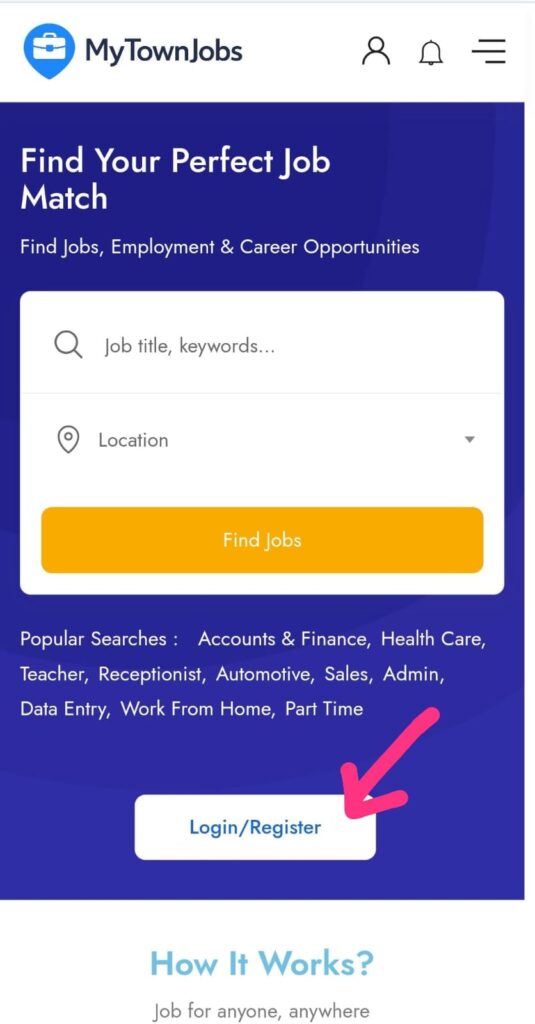
2.Select Join As Candidate.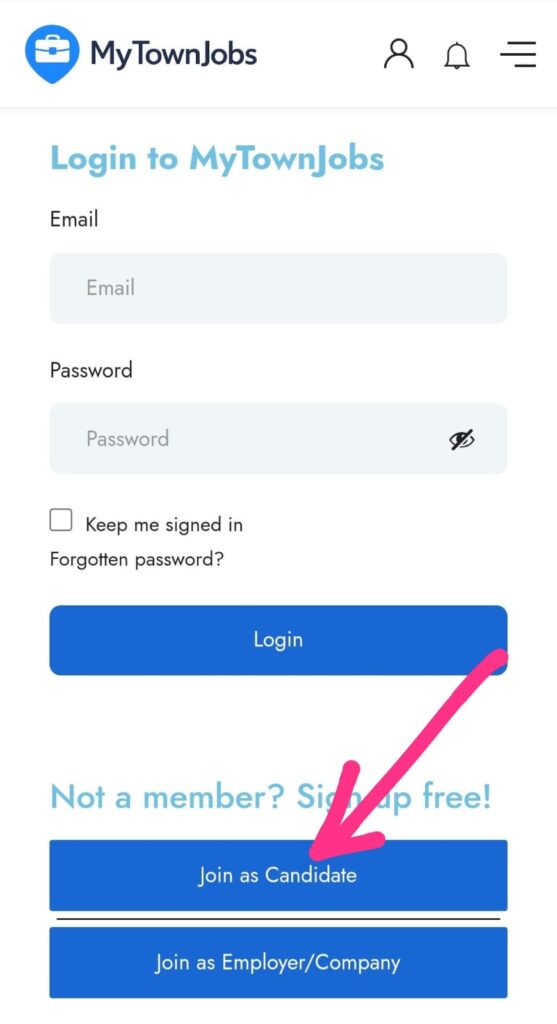
3.Provide necessary details and click Register Now
Password rule:
Password length must be greater than 8 characters
Password must have at least 1 upper case character
Password must have at least 1 numeric character
Example – Arpz4kyc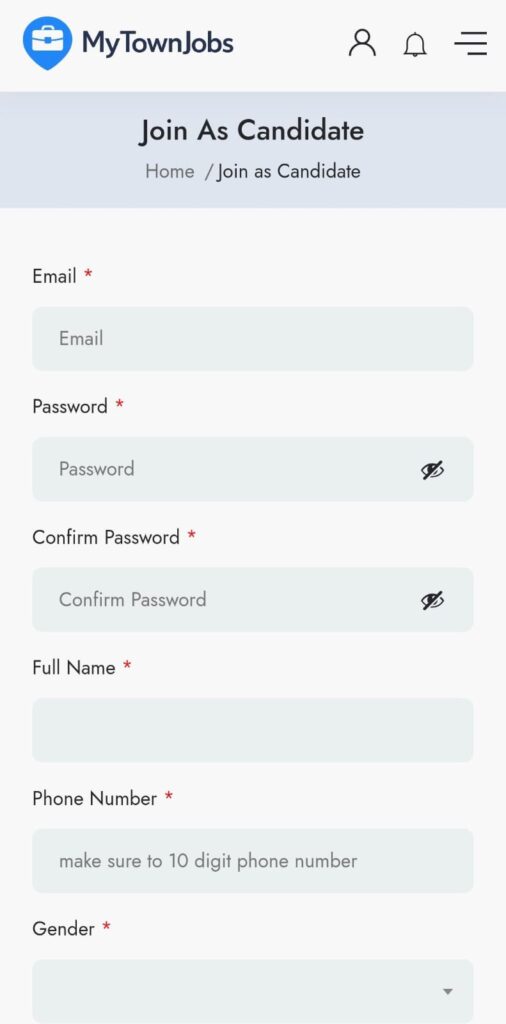
Profile Setup :
1. After login – click on profile
2 .In profile upload CV/Resume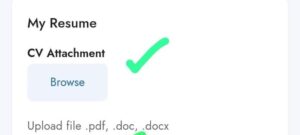
3. Add your skills like Sales, Customer service, marketing, computer skills etc. and Don’t forget to Save profile and that’s it , you can apply for job of your interest.